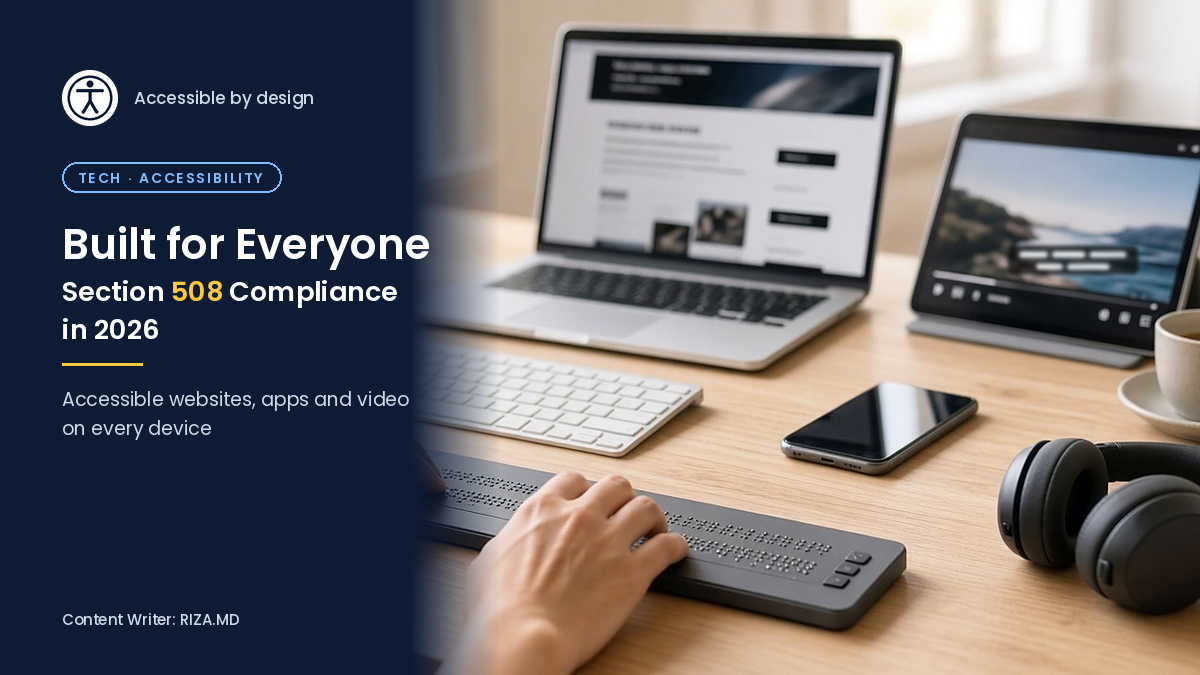
From federal procurement rules to Europe's new accessibility law, why accessible websites, apps and video are now a legal duty, a market opportunity and a test of good design on every device.
By RIZA.MD
Every web page, app screen and video either works for everyone or quietly shuts someone out. The numbers are large. The WHO estimates that 1.3 billion people, about 1 in 6 worldwide, experience significant disability, and the CDC says more than 1 in 4 US adults have some type of disability.
The web still isn't ready for them. In February 2026, WebAIM's annual scan of the top one million home pages found accessibility failures it could detect on 95.9% of them. For US federal technology, being "Section 508 compliant" is the minimum. It's also becoming the standard everyone else is measured against: in state and local government, in the courts and in the European Union.
What Section 508 is, and who it applies to
Section 508 of the Rehabilitation Act (29 U.S.C. § 794d) was strengthened by Congress in 1998. It requires federal agencies to make the technology they develop, buy, maintain or use accessible to people with disabilities, so that disabled employees and members of the public get access comparable to everyone else's.
It doesn't directly regulate private websites. It still matters to private companies because of procurement: any vendor selling software, platforms or media services to US federal agencies is expected to show that its product meets the standard.
The 2017 update: WCAG 2.0 AA becomes the rule
The U.S. Access Board writes the technical standards. On 18 January 2017 it published a major update, known as the ICT Refresh, and compliance became mandatory on 18 January 2018.
The biggest change was adopting the W3C's Web Content Accessibility Guidelines (WCAG) 2.0, Levels A and AA, as one benchmark. It covers websites, intranets, documents such as PDFs and Word files, and software, and it lines US rules up with international standards, including Europe's.
WCAG 2.1, 2.2 and the wider legal picture
WCAG has moved on since 2017:
- WCAG 2.1 (2018) added criteria for mobile and low vision, such as content that reflows on small screens.
- WCAG 2.2 became a W3C Recommendation on 5 October 2023 with nine more criteria, and in 2025 it was also published as international standard ISO/IEC 40500:2025.
Section 508 still formally references WCAG 2.0, but meeting WCAG 2.2 AA covers 2.0 AA and puts teams ahead of the rules below.
ADA Title II (state and local government). On 24 April 2024, the Justice Department adopted WCAG 2.1 AA for state and local government websites and mobile apps. On 20 April 2026, it pushed the deadlines back a year. The technical standard is unchanged.
- 26 April 2027 for public entities serving 50,000 people or more.
- 26 April 2028 for smaller entities and special district governments.
ADA Title III (private businesses). There's still no federal web regulation for private businesses, so enforcement comes mostly through lawsuits:
- UsableNet projects about 6,176 digital accessibility lawsuits in 2026 across federal and key state courts, which would be a record.
- Seyfarth Shaw counted 5,006 federal ADA Title III filings in the first half of 2026. That figure covers all Title III claims, not just websites.
The European Accessibility Act (EAA). Directive (EU) 2019/882 has applied since 28 June 2025 to many products and services sold to EU consumers. These include e-commerce, consumer banking, e-books, smartphones and computers, electronic communications, access to audiovisual media, and digital passenger-transport services. Some businesses are exempt, such as microenterprises providing services, and some existing services have until 2030.
What compliance means in practice
WCAG, and therefore Section 508, asks that content be perceivable, operable, understandable and robust. For digital products and media platforms, that means:
- Captions for prerecorded and live video, and audio description for prerecorded video, so people who are deaf or blind get the full story. Section 508 also requires media players to give users controls for both.
- Keyboard access. Everything works without a mouse, with a visible focus indicator and no keyboard traps.
- Colour contrast of at least 4.5:1 for normal text at Level AA.
- Screen-reader support. That means meaningful alt text, real headings, labelled form fields and buttons, the correct page language, and ARIA only where needed.
- Mobile and responsive design. Content reflows without sideways scrolling and works in both orientations. Touch targets must be big enough: WCAG 2.2 sets a 24 × 24 CSS pixel minimum, with exceptions.
- Accessible documents, meaning tagged PDFs and structured office files, because Section 508 covers documents as well as web pages.
VPATs and ACRs: proving it to buyers
Vendors usually document accessibility with the ITI Voluntary Product Accessibility Template (VPAT®). The current version, 2.5Rev (April 2025), comes in editions for Section 508, the EU standard EN 301 549, WCAG, and an international version that combines them.
A completed VPAT becomes an Accessibility Conformance Report (ACR). It rates each requirement as Supports, Partially Supports, Does Not Support or Not Applicable. Federal buyers increasingly expect ACRs to be backed by real testing, not self-assessment.
Testing tools and Trusted Tester
Automated scanners like WebAIM's WAVE are a good start, but they catch only part of the problem. WebAIM itself warns that "absence of detected errors does not indicate that a page is accessible or conformant."
For federal work, the DHS Trusted Tester process (version 5) gives a repeatable manual testing method, with training and certification. Agencies that use it accept results only from certified testers. Combine it with keyboard-only testing, real screen readers on desktop and mobile, and testing sessions with disabled users.
The business case
Accessibility widens your market, lowers legal risk and usually makes products easier for everyone to use: captions in noisy places, readable contrast in sunlight, clear forms on small screens. With more than a quarter of US adults living with a disability and 1.3 billion people worldwide, an inaccessible product turns away a very large audience.
What's new as of October 2026
- The web is getting worse, not better. The WebAIM Million 2026 found an average of 56.1 errors per home page, up 10.1% from 2025. Six error types caused 96% of the problems:
| Most common failure | Share of home pages |
|---|---|
| Low-contrast text | 83.9% |
| Missing image alt text | 53.1% |
| Missing form labels | 51% |
| Empty links | 46.3% |
| Empty buttons | 30.6% |
| Missing page language | 13.5% |
- Regulators are pushing back on AI "fix-it" claims. In April 2025 the US Federal Trade Commission ordered accessiBe to pay $1 million and banned it from claiming, without evidence, that its AI widget can make any website WCAG-compliant. UsableNet reports that about 20% of companies sued in early 2026 were using an accessibility widget.
- AI helps, but it doesn't replace people. Auto-captions, AI-drafted alt text and code suggestions speed up the work, but they still need human review.
- WCAG 3 isn't here yet. The W3C published an updated draft in September 2026 and says the standard is still "a few more years" away. Its advice is to meet WCAG 2.2 now.
Practical checklist
- Use WCAG 2.2 AA as your design and development standard. It covers what Section 508 and ADA Title II require.
- Write accessibility into contracts and ask vendors for a current ACR (VPAT 2.5).
- Run automated scans on every release, plus manual keyboard and screen-reader checks.
- Fix the six most common failures first: contrast, alt text, form labels, empty links, empty buttons and page language.
- Caption every video, add audio description where the visuals carry meaning, and make sure your player has controls for both.
- Test on mobile for zoom, reflow, orientation and touch target size.
- Fix PDFs and documents, not just web pages.
- Don't rely on overlay widgets. Fix the underlying code.
- Train designers, developers and content editors, and consider Trusted Tester certification for federal projects.
- Publish an accessibility statement with a way to report barriers, and track the fixes.
Conclusion
"Section 508 compliant" started as a box to tick in federal procurement. In 2026 it sits alongside the ADA, the European Accessibility Act and WCAG 2.2 as part of what good digital work looks like. Deadlines may move and lawsuit numbers may change, but the main point holds: a product that works with a keyboard, a screen reader, captions and a small screen is simply a better product for every user.
Sources
- Section508.gov: IT Accessibility Laws and Policies
- U.S. Access Board: Revised 508 Standards
- Federal Register: ICT Standards Final Rule (2017)
- ADA.gov: Title II Web & Mobile App Rule
- Federal Register: Title II Compliance Date Extension (2026)
- W3C WAI: What's New in WCAG 2.2
- W3C: WCAG 2.2 approved as ISO/IEC standard
- W3C WAI: WCAG 3 Introduction
- European Commission: European Accessibility Act
- EUR-Lex: Directive (EU) 2019/882
- WebAIM: The WebAIM Million 2026
- CDC: Disability Impacts All of Us
- WHO: Disability fact sheet
- Section508.gov: DHS Trusted Tester
- ITI: VPAT®
- FTC: accessiBe final order
- UsableNet: 2026 Midyear Numbers
- Seyfarth: 2026 Mid-Year ADA Title III Report